FenixBinInspector Android — 2D and 3D maps
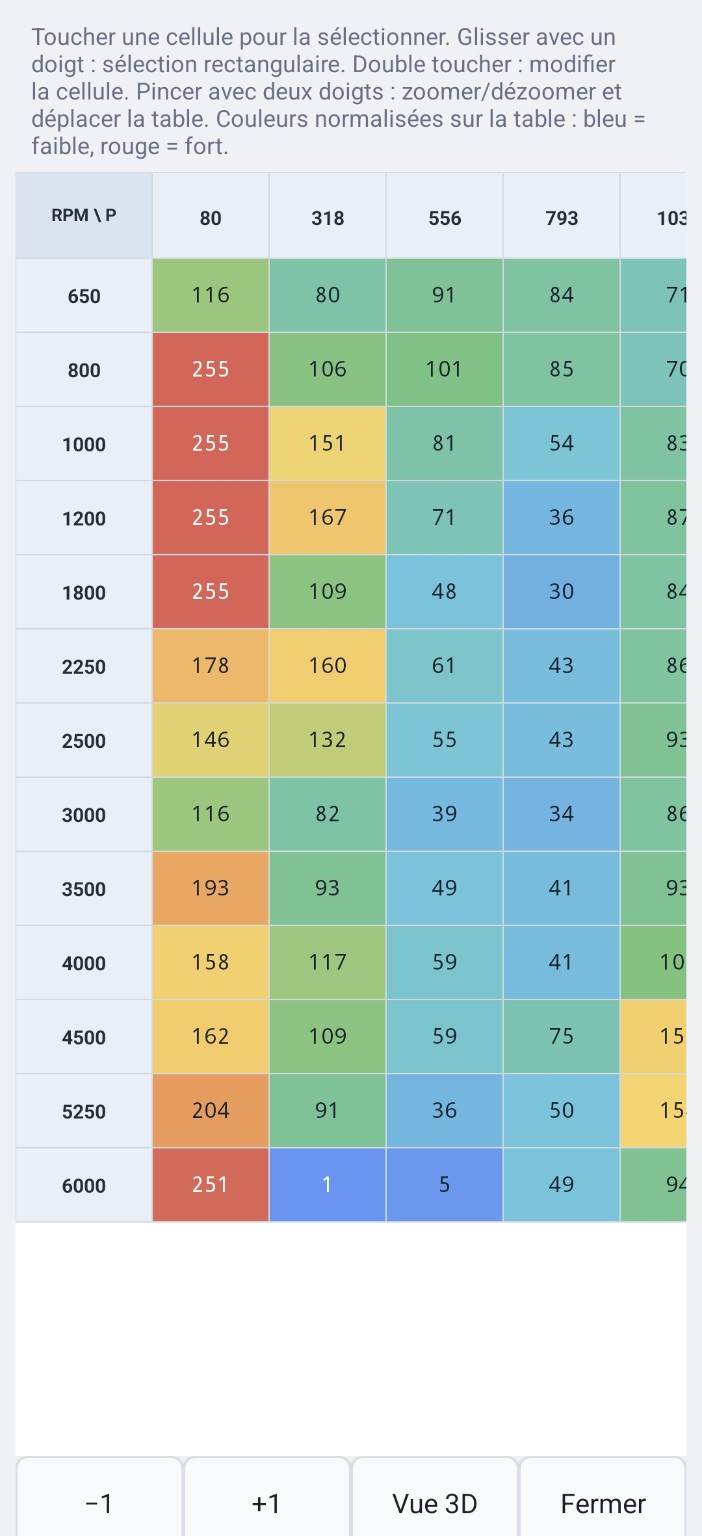
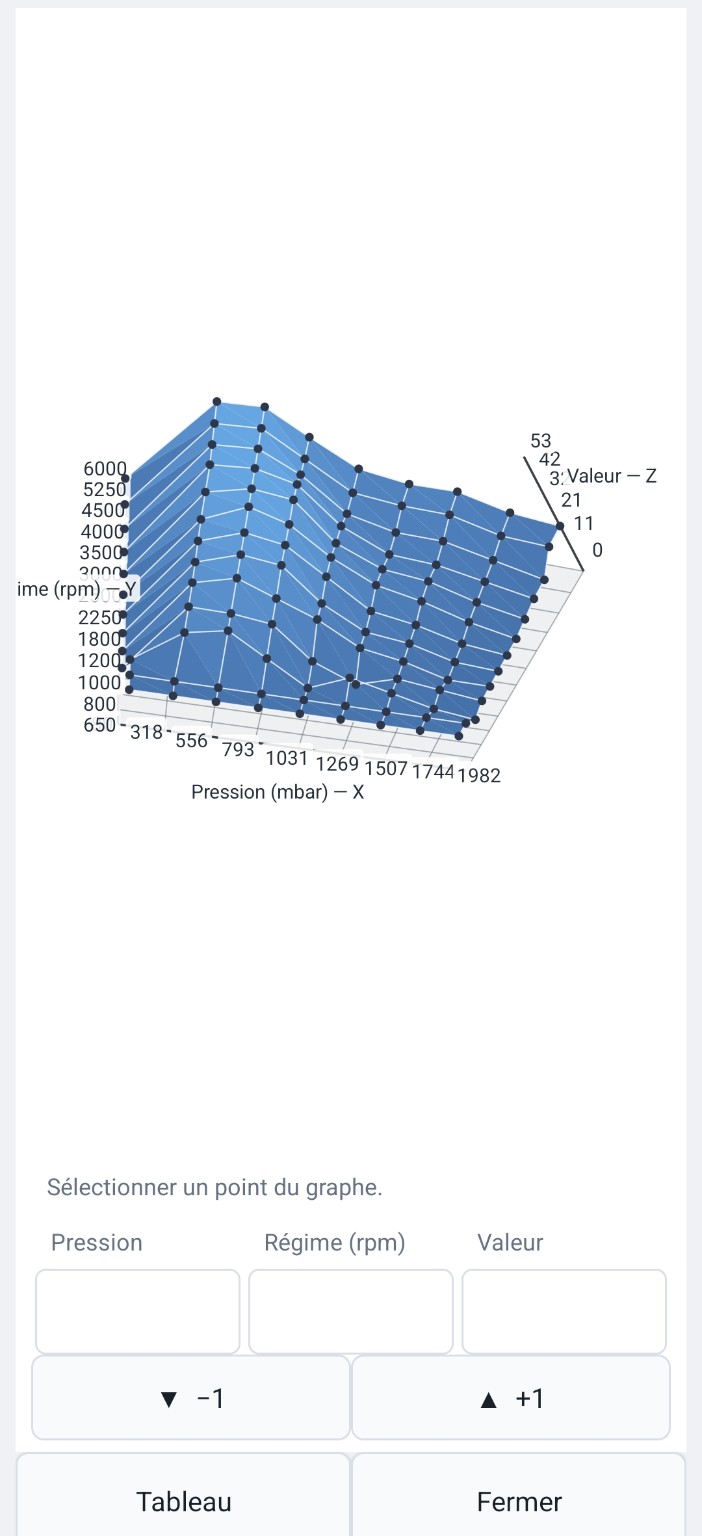
View and edit a Fenix map, switching between the table and 3D representation.
Watch on YouTube →A tool built specifically for Fenix BIN files: identify, visualize, edit and save without working blind in raw hexadecimal.
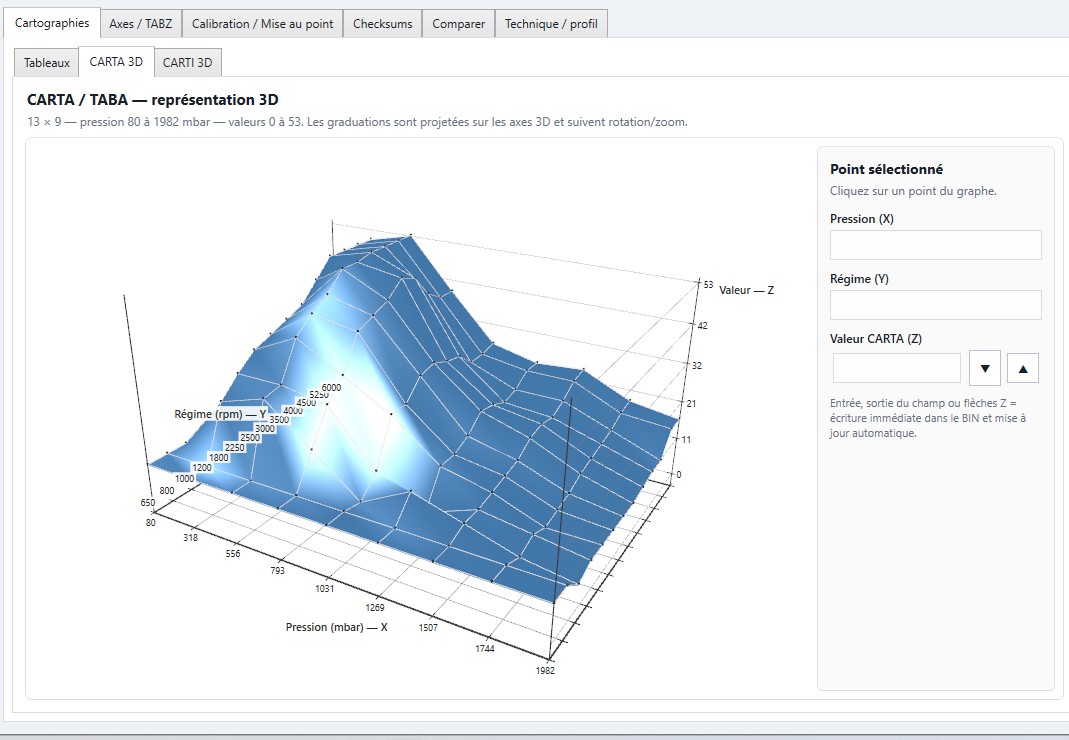
FenixBinInspector recognizes supported program structures and directly presents useful BIN elements: maps, axes, parameters and integrity-related areas.
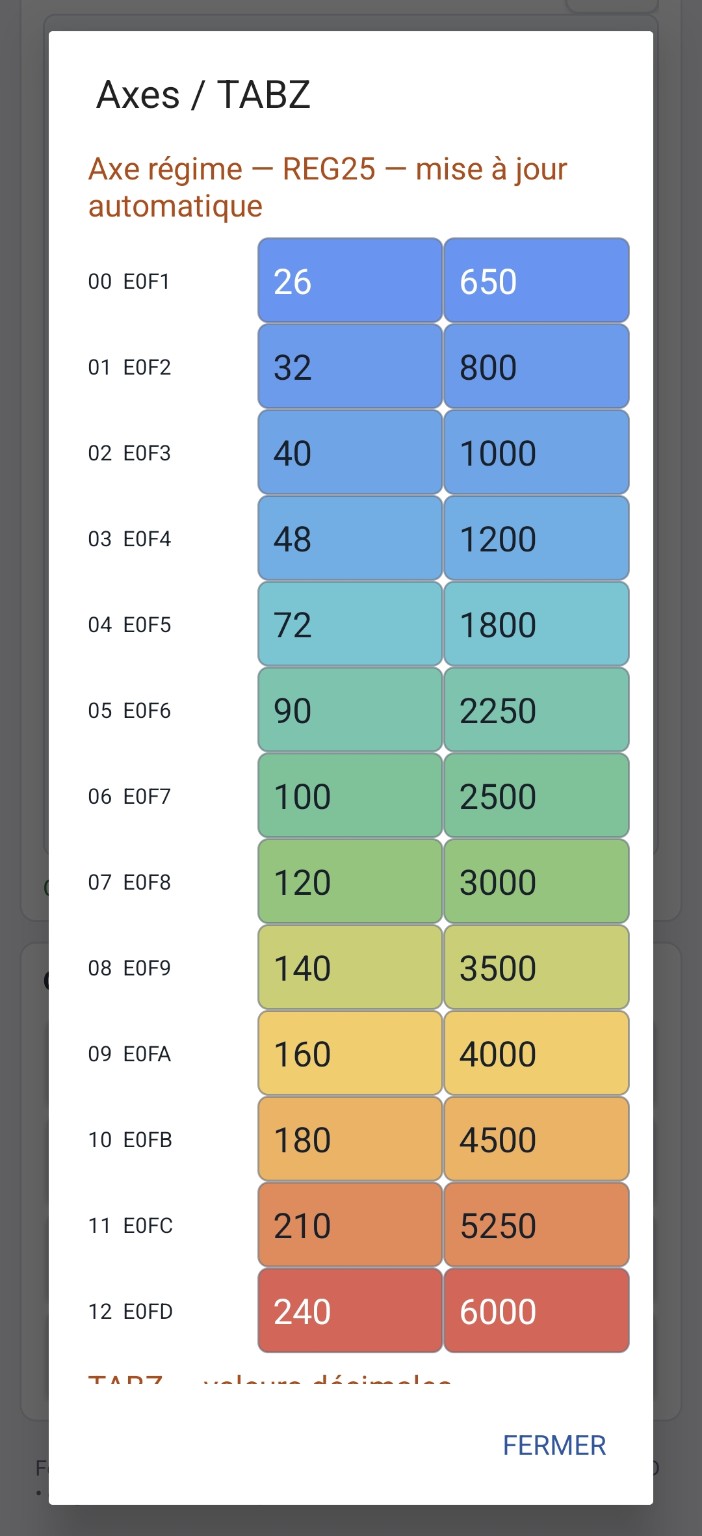
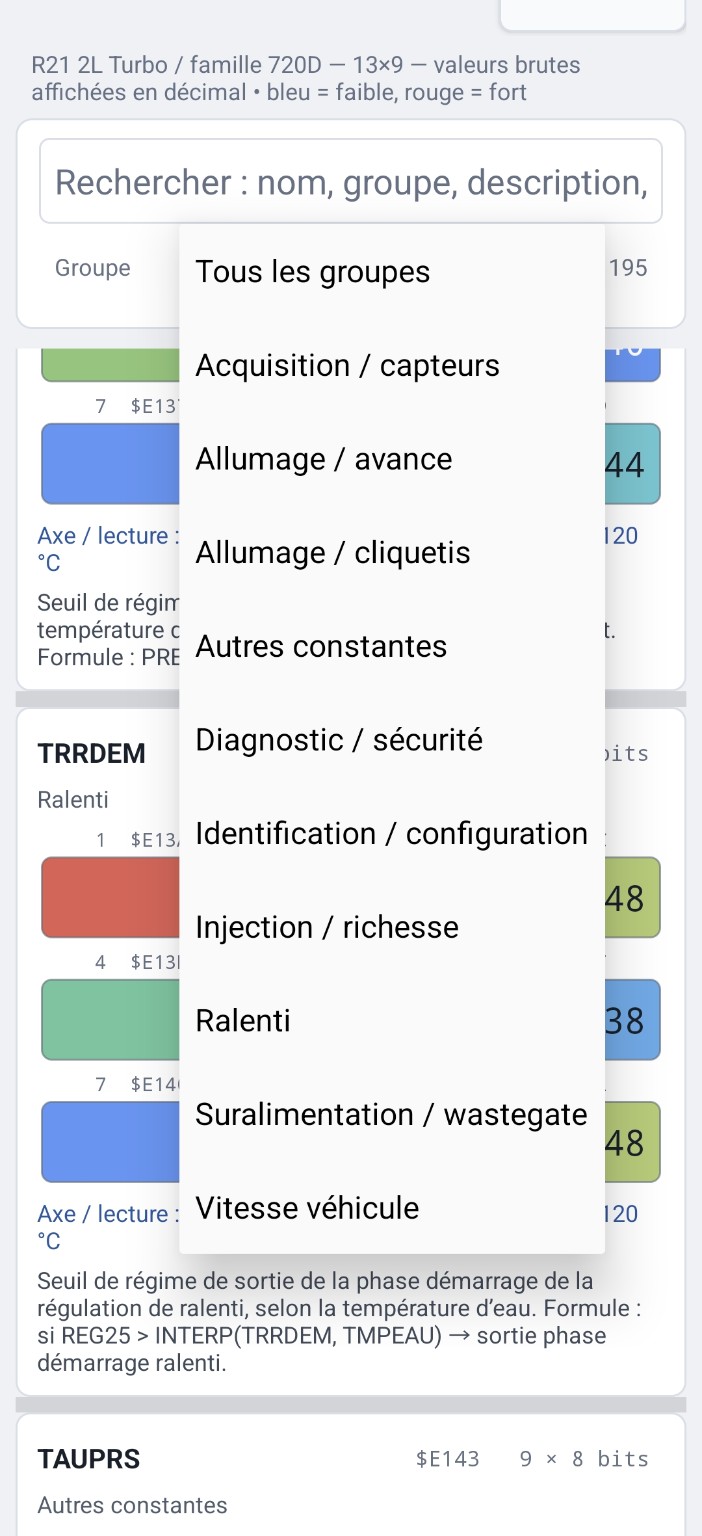
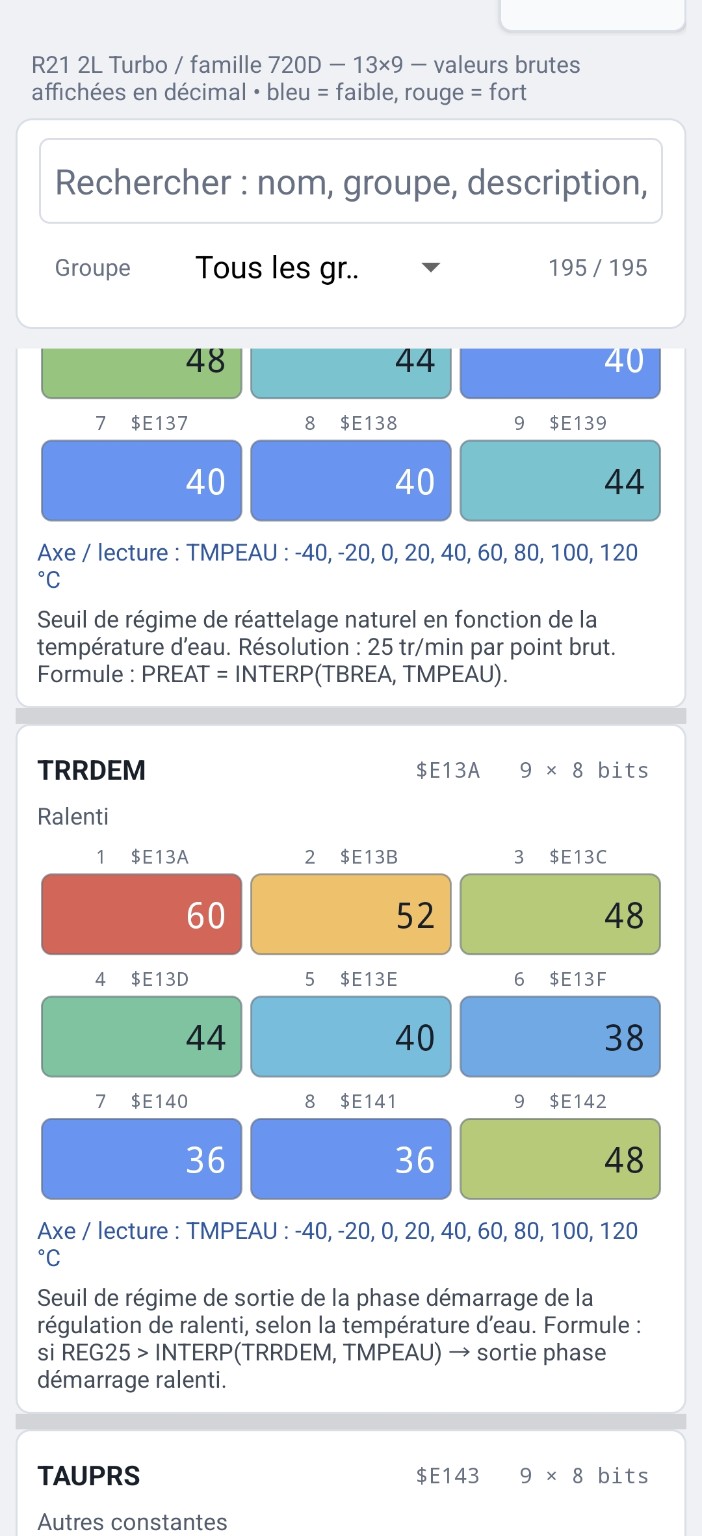
Engine tables, axes and key constants are displayed directly when the ECU is recognized. Cells can be selected and edited without manually searching every address in a hex editor.
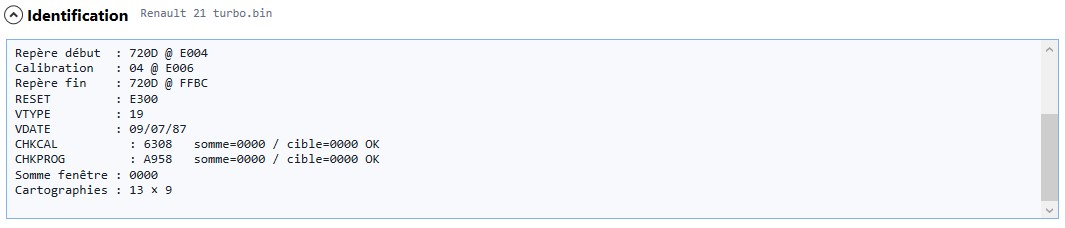
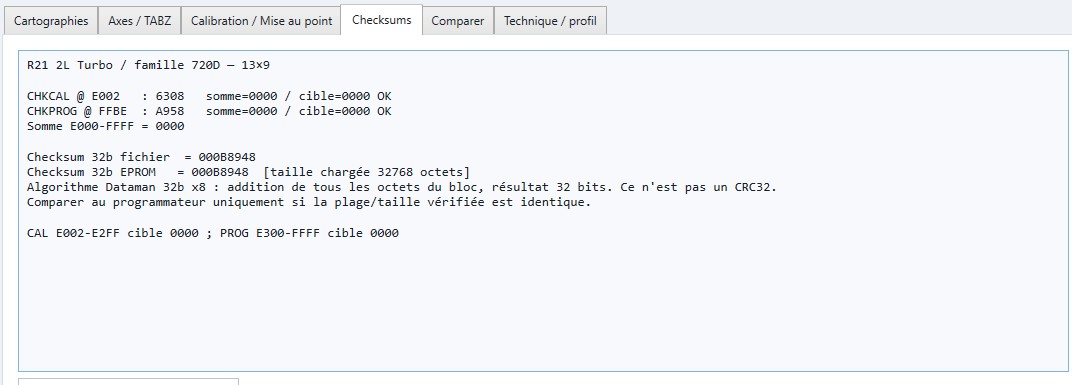
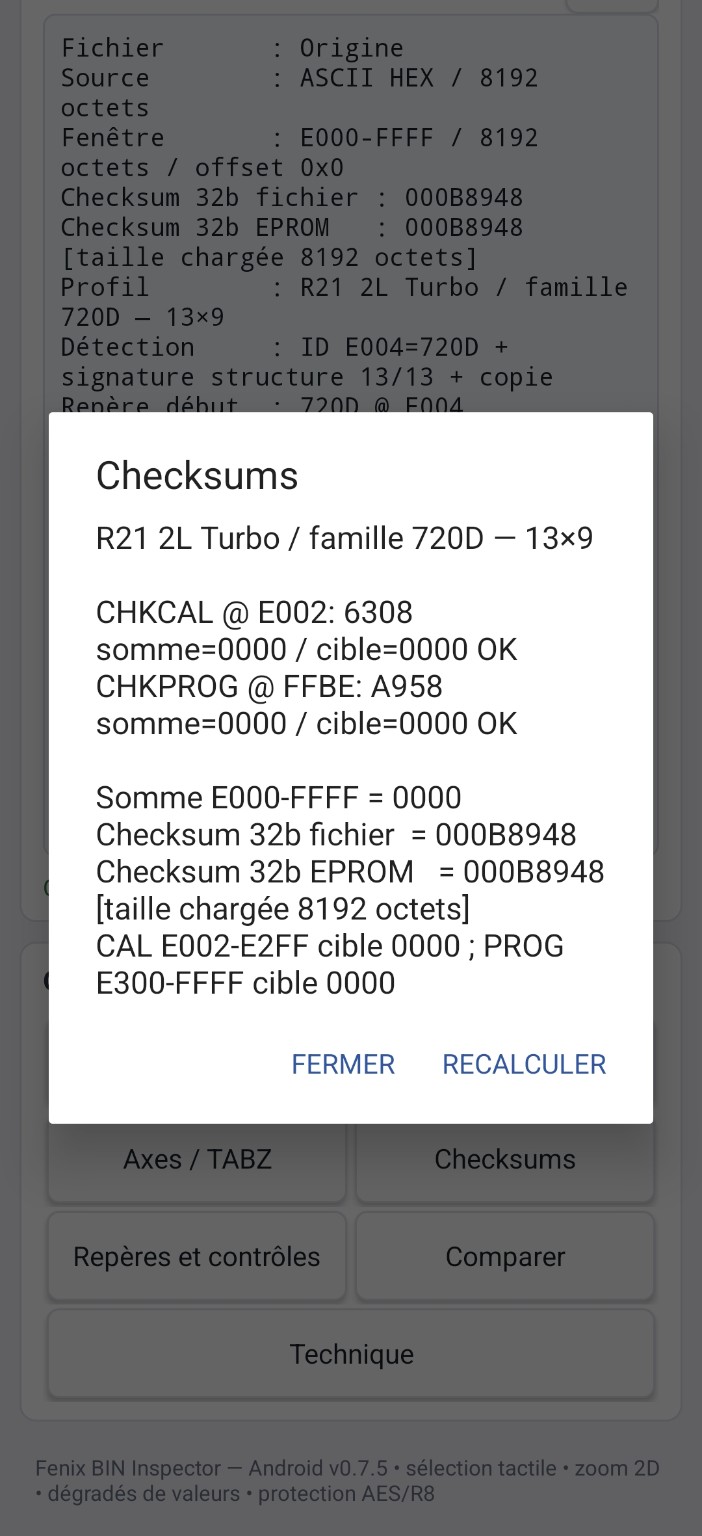
All Fenix ECUs verify program and calibration integrity using checksums.
When a BIN value is changed, the matching checksum must be recalculated. If the checksum is wrong, a diagnostic fault is reported and the injection warning light comes on.
FenixBinInspector applies the checksum methods required by supported programs automatically when saving.
FenixBinInspector covers families found on Renault 21 Turbo, Clio 16S and Williams, Renault 25 V6 Turbo, Safrane V6 Biturbo and Fenix 1B EvoPROM.
Need another model integrated? Contact FENIX LAB by email with the vehicle, ECU reference and, when possible, its BIN file.
FenixBinInspector is available for Windows and Android. One licence covers both environments.
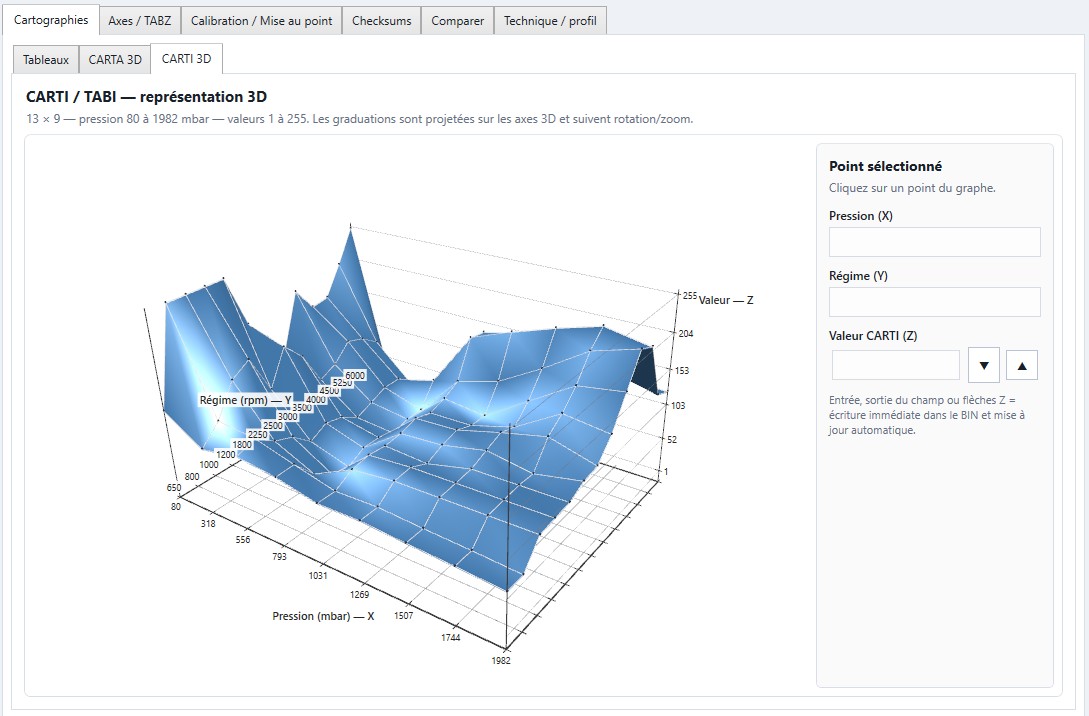
The Windows version is designed as a full workstation for preparing, checking and saving a Fenix BIN file.
It combines automatic file identification, 2D/3D table display and checksum control.
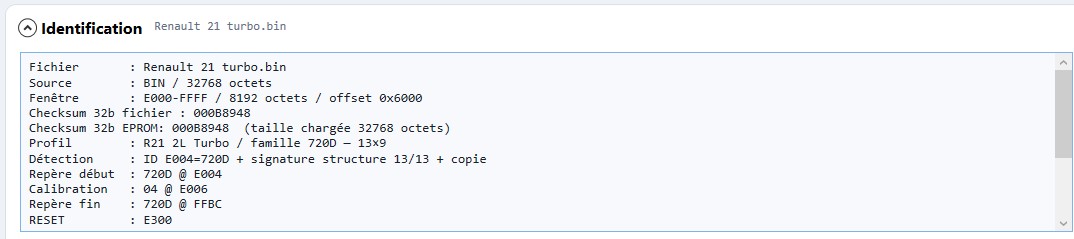
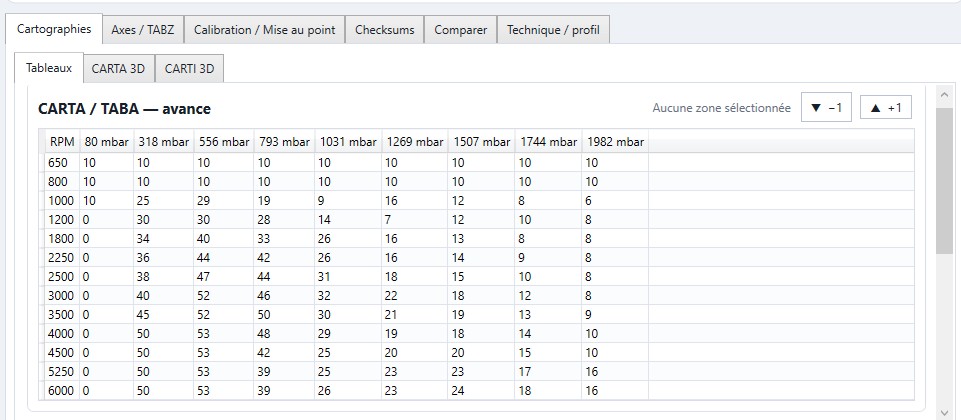
The Android version keeps the essentials: reading, navigation, editing, color views and quick table checks from a mobile device.
It is built to stay practical even when no PC is available.
Real FenixBinInspector Android demonstration published on the Fenix Lab YouTube channel.
View and edit a Fenix map, switching between the table and 3D representation.
Watch on YouTube →